Everything Plexa AI can do, in one place
Research with cited sources, a chat that remembers you, agents that work on their own, image and video studios, voice tools and unlimited pages — all driven by one brain whose numbers we can actually prove.
Everything Plexa AI can do. See it for real.
Not mockups — real screens from the running workspace. Swipe, use the gold arrows or pick a name to move through it.
One assistant that remembers you
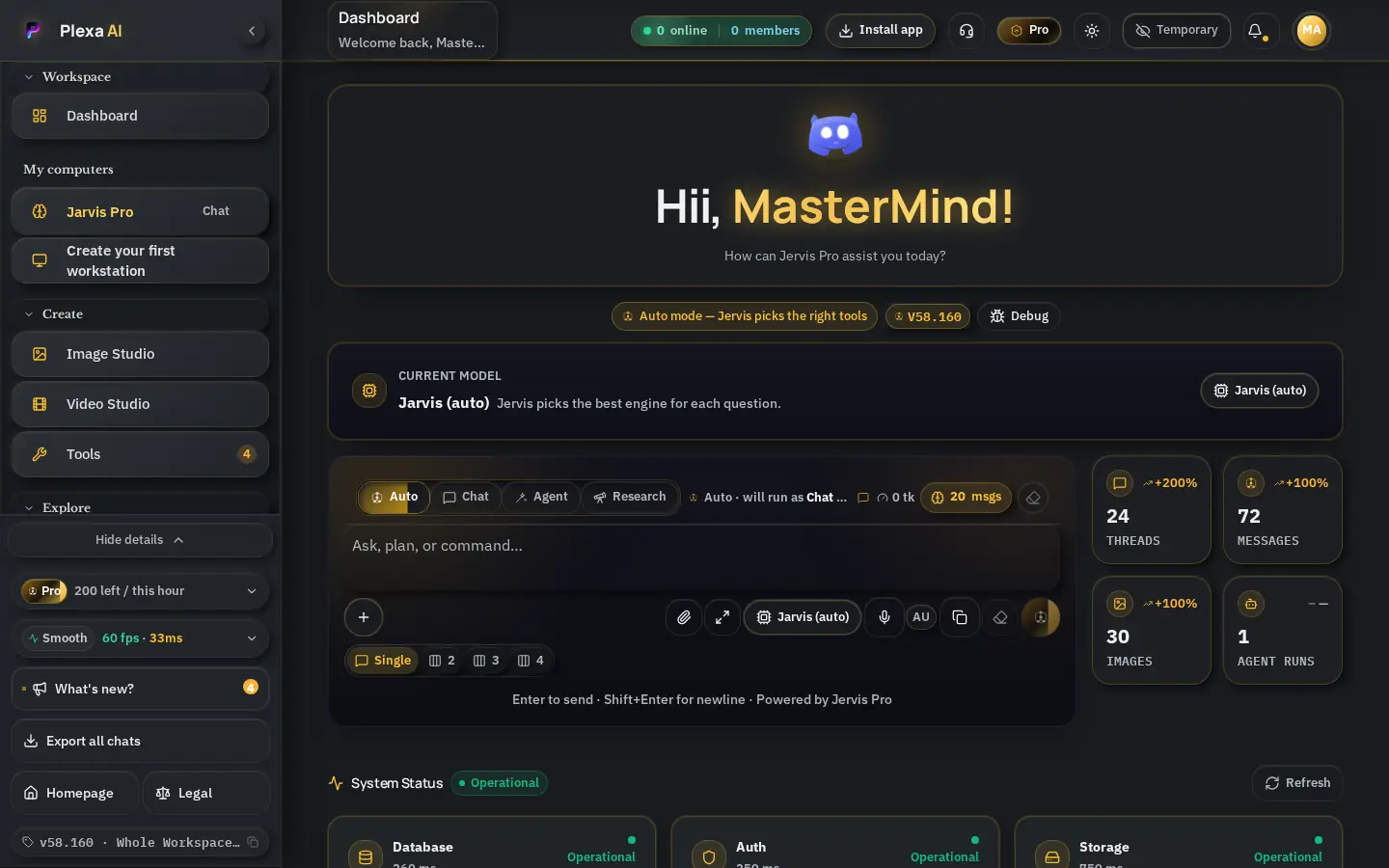
The workspace opens as a conversation. Jervis keeps your context between sessions, picks the right capability on its own and gets to work — no modes, no setup.
- Context kept between sessions
- Capability chosen automatically
- Your activity, counted and visible
How every request is handled
Smart routing
Every request is classified first, then routed to the capability that handles it best — research, writing, images, voice or code — without you choosing anything.
Reasoning engine
A 1M-token reasoning core plans, thinks step by step and calls tools in parallel. Adjustable depth is picked automatically per task.
Jervis's own weights
On top of the engine, Plexa AI trains Jervis's own weights every brain cycle — so it keeps getting better at how you work.
Verified, never invented
Every capability number we publish is measurable in our own backend. No borrowed benchmarks, no marketing math.
Working context
1.05M tokens
Whole codebases, books and long histories in one conversation.
Single-answer output
up to 384K tokens
Full reports, long documents and multi-file code in one pass.
Own trainable weights
8.39M parameters
Checkpoint v4, int8 checkpoint. Retrained on every brain cycle.
Vocabulary
65.54K tokens
64-dimensional embeddings, 227.33K tokens seen so far.
Thinking
- Native step-by-step reasoning before answering
- Adjustable reasoning depth chosen automatically per task
- Structured (schema-exact) output for tools and documents
Acting
- Tool calling and parallel tool use for agents and workstation runs
- Web research, file workbench, image, video and voice studios
- Long-horizon autonomous tasks with checkpointed progress
Remembering
- Per-user memories, style profile and self-reflection digest
- Collective insights and world knowledge shared across Jervis
- Memory audit trail — every recall is traceable
Learning
- Own skip-gram weights retrained each brain cycle, resuming from the last checkpoint
- Instruction versions so the owner can teach Jervis new rules
- GPU-scale training path ready when hardware is attached
The learning curve
Phase 1 · Memory
Remember users, tone, projects and corrections across sessions.
Phase 2 · Own weights
Train Jervis's own embedding weights on every brain cycle (int8 checkpoints).
Phase 3 · Skills
Owner-assigned curricula: teach Jervis named skills and verify them with tests.
Phase 4 · GPU training
Attach GPU capacity and scale the trainable model beyond embeddings.
Phase 5 · Independence
Reduce reliance on external engines as Jervis's own model matures.
Chat, agents, images, video, voice and pages
Jervis Chat
One conversation that remembers you
- Remembers your style, projects and corrections across sessions
- Chooses the right capability automatically — no mode picking
- Reasons step by step before answering hard questions
Agents
Autonomous workers for long tasks
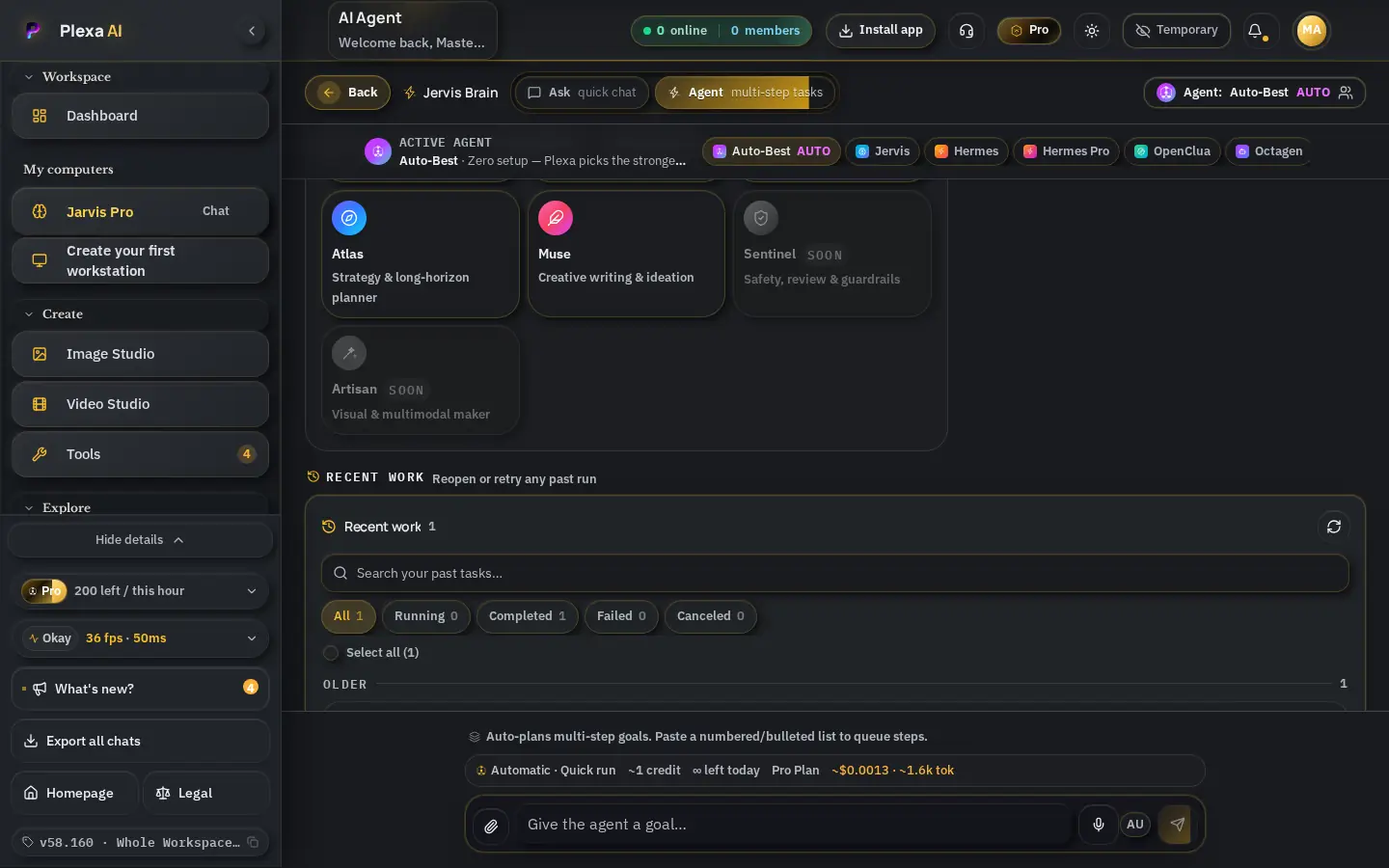
- Ready-made agents for research, writing and operations
- Long-horizon tasks with checkpointed progress
- Parallel tool use — search, files and studios together
Image creation
A full visual studio
- Generate, edit and upscale images in seconds
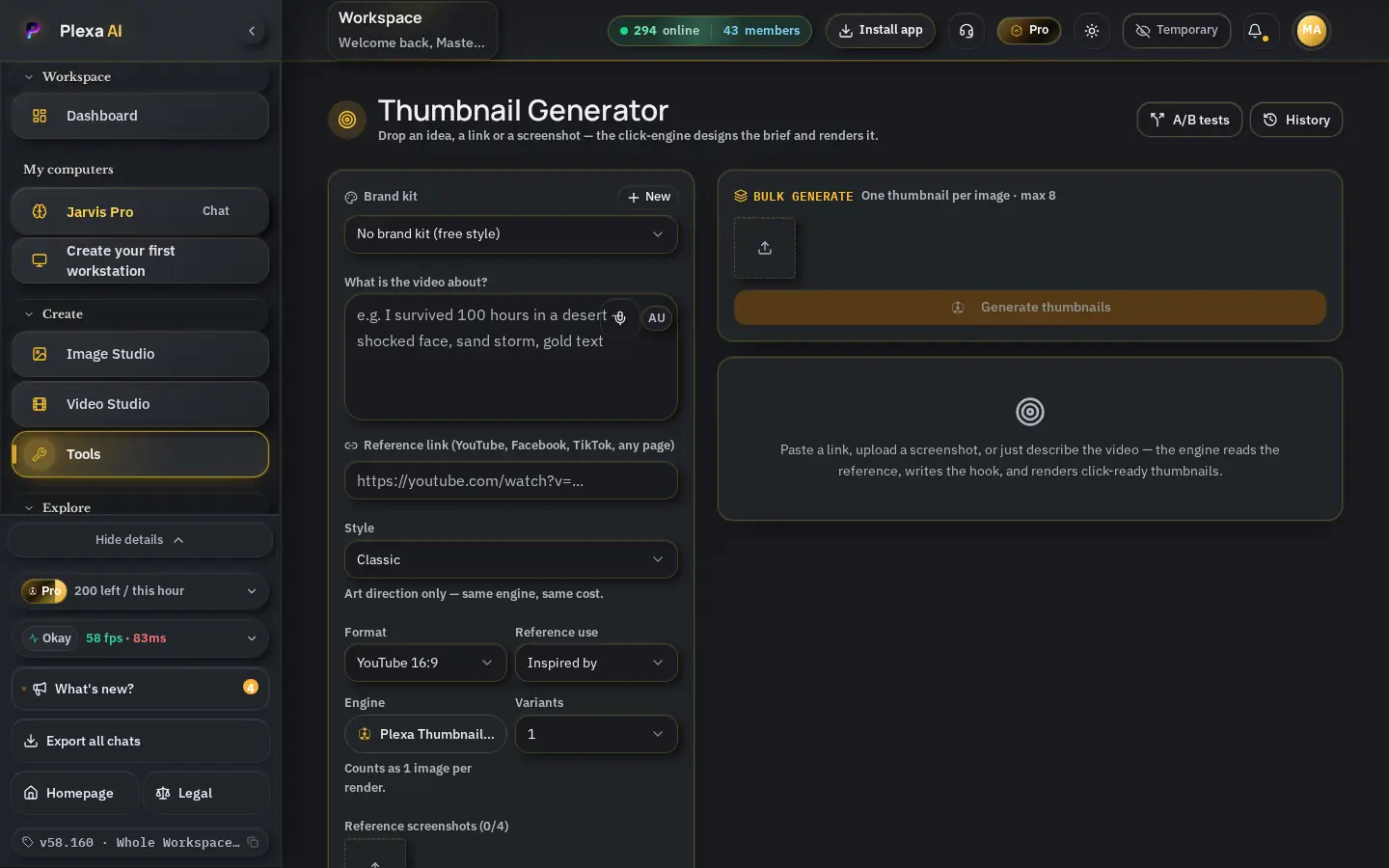
- Thumbnails with side-by-side A/B comparison
- Every design kept in your history, HD downloads
Video creation
From a prompt to motion
- Turn ideas and scripts into short video clips
- Story Studio plans the narrative first
- Built into the same workspace as your docs
Voice & sound tools
Speak, dictate, narrate
- Voice Flow dictation with automatic cleanup and translation
- Narration and audio for stories and scripts
- Hands-free capture straight into pages and notes
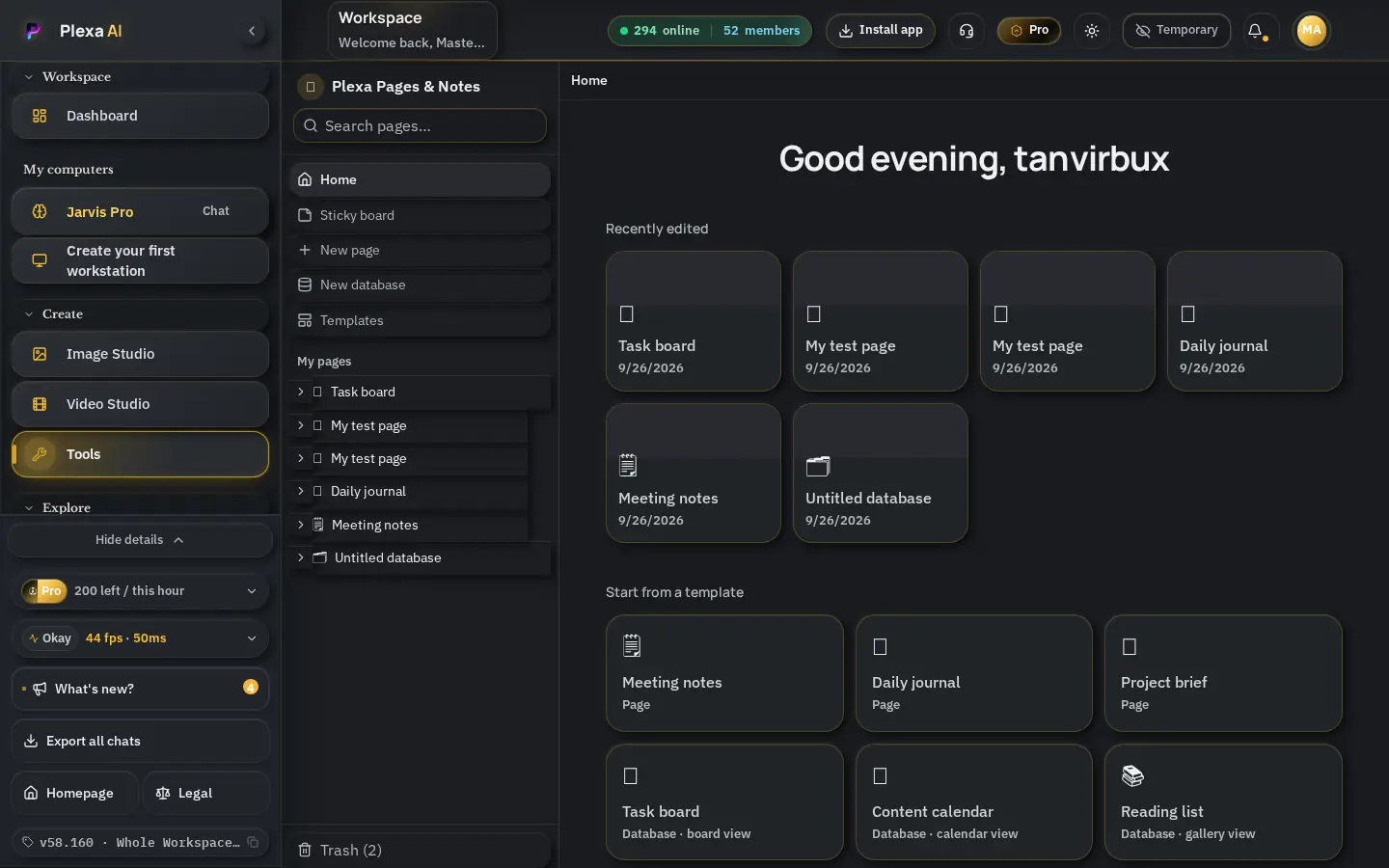
Pages & Notes
Free and unlimited on every plan
- Rich pages, sticky-note wall, journals and databases
- Photo text scan, reminders and secure sharing built in
- Private by default — share with one person or everyone
Research that shows where every answer came from
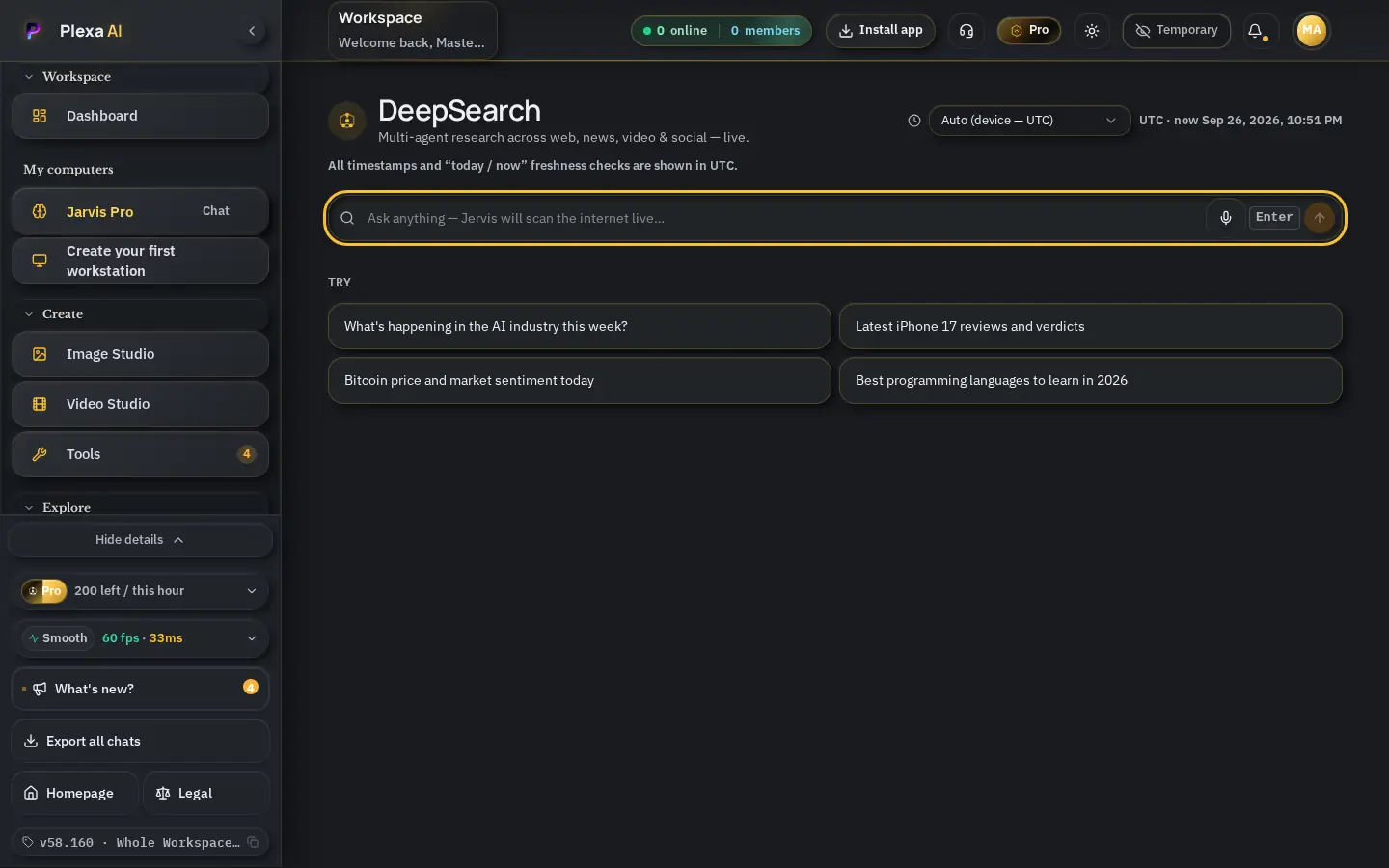
Ordinary search hands you ten links and leaves the reading to you. Deep Search plans the question, reads the live web across many pages at once, and returns one structured briefing with a citation behind every claim — so you can check the work instead of trusting it blindly.
Plans the search before it runs
Your question is broken into sub-questions first, so the answer covers the whole topic instead of the first page of results.
Every claim carries a source
Each paragraph is tied to the page it came from. Open the link, read the original, confirm it yourself.
Reads many pages, not one
Dozens of live pages are gathered, compared and de-duplicated into a single briefing you can act on.
Live, not last year's snapshot
Results come from the open web at the moment you ask, so prices, releases and events stay current.
Structured output
Summary first, then the detail, then the source list — formatted for pasting straight into a doc or brief.
Private by default
Your research stays inside your workspace, protected by the same access rules as the rest of your account.
Ask in plain language
Type the question the way you would ask a colleague. No operators, no filters, no prompt tricks.
Watch the research run
Sub-questions, searches and pages appear live as they are read, so you can see how the answer is being built.
Get a cited briefing
A structured answer arrives with numbered citations and a source list you can verify or share.
Twelve tools, one workspace
Pages
Rich docs, databases and journals
Write, plan and organize in one calm space: rich pages, nested docs, task boards and databases — free and unlimited on every plan.
See detailsSticky notes
A drag-and-drop idea wall
Throw ideas on a pannable wall. Resize, recolor, pin and tilt notes, then turn the best ones into full pages.
See detailsVoice Flow
Speak, and it types cleanly
Dictate notes and pages hands-free. Voice Flow cleans filler words, formats your text and can translate as you go.
See detailsReminders
Never miss a follow-up
Set a reminder on any note or page — in seconds, days, or at an exact time — with sound, on-screen alert and email.
See detailsPhoto text scan
Turn photos into editable text
Snap a document or screenshot and insert its text straight into your page — no retyping.
See detailsSecure sharing
Share with one person or the world
Keep pages private, share with specific members (view or edit), or publish a read-only link anyone can open.
See detailsAI Humanizer
Natural, human-sounding writing
Rewrite stiff drafts into warm, natural text that keeps your meaning and your voice.
See detailsStory Studio
Stories and scripts, fast
Plan, write and polish stories, scripts and narrated pieces with Jervis as your co-writer.
See detailsThumbnails
Scroll-stopping covers
Generate eye-catching thumbnails and compare versions side by side before you publish.
See detailsViral SEO
Titles, tags and keywords that rank
Get search-ready titles, descriptions and tags tuned to what people are actually looking for.
See detailsWriting assistant
Clear writing on demand
Draft, shorten, expand or fix any text with Jervis — right where you write.
See detailsHealth manager
Your wellbeing, organized
Track routines, records and goals in one private place, with Jervis to help you stay consistent.
See detailsWhat people use it for
- Market and competitor scans before a decision
- Due diligence on a company, product or supplier
- Technical comparisons with the trade-offs spelled out
- Regulation and policy checks with the text linked
- Literature-style overviews of an unfamiliar field
- Fact-checking a claim against primary sources
Part of one workspace
Deep Search sits alongside chat, agents and the image studio in Plexa AI. A briefing can flow straight into a conversation, an agent task or a document — nothing has to be copied between tools.
Plexa AI: one workspace for research, creation and everyday work
Plexa AI combines Deep Search — an AI research assistant that cites its sources — with Jervis chat, autonomous agents, image and video studios, voice tools and unlimited pages. Every capability figure is verified in our own backend.
Live web research, not stale memory
Every Deep Search run queries the web at the moment you ask, so prices, releases, rules and news reflect today rather than an old training snapshot.
A citation behind every claim
Each statement links to the page it came from. Open the source, confirm the number, and quote it with confidence in your own report.
A brain with verified numbers
Working context, output length and Jervis's own trainable weights are published with figures measurable in our backend — never borrowed from other vendors.
Creation tools in the same place
Images, video, voice, writing and pages live beside the research, so a finding becomes a document, a thumbnail or a narrated story without switching apps.